
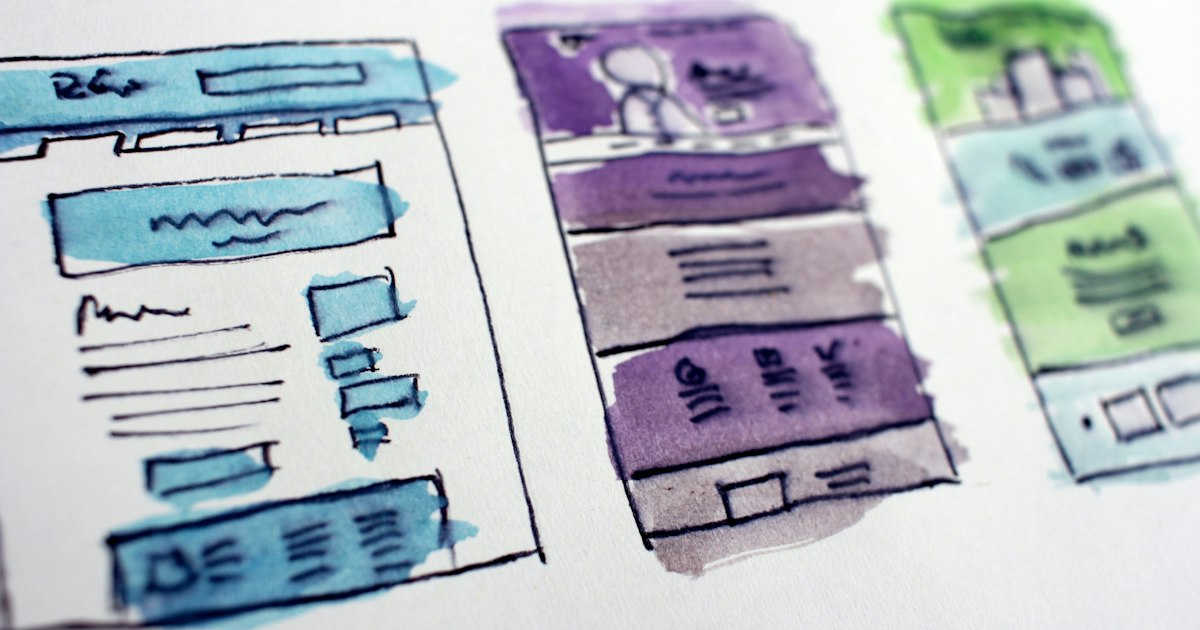
Building a User-Friendly Hub Page
A hub page organizes your content and improves user experience. Here’s how to build one:
- Define Your Content Categories: Organize your content into clear categories for easy navigation.
- Use Clear Navigation: Implement a simple menu structure that guides users to different sections.
- Incorporate Search Functionality: Allow users to search for specific content easily.
- Highlight Popular Content: Feature your most popular or relevant content prominently.
- Ensure Mobile Compatibility: Optimize your hub page for mobile users to enhance accessibility.
- Regularly Update Content: Keep your hub page fresh with new and relevant content to encourage return visits.
Leave a Reply